Kilisuci Artlabs
VTuber Jargon Explained: Beginner Friendly Guide for New Creators
VTuber Jargon Explained: Beginner Friendly Guide for New Creators
Feb 5, 2026
If you’re new to VTubing, the terminology can feel overwhelming. Words like Live2D, rigging, PNGTuber, or tracking are often used without explanation. This guide breaks down the most common VTuber jargon in simple terms, so you can understand how everything fits together.
What Is a VTuber?
A VTuber (Virtual YouTuber) is a content creator who uses a digital avatar instead of showing their real face. The avatar moves and reacts in real time using webcam tracking, audio input, or simple animation logic.
VTubers stream or create content on platforms like YouTube, Twitch, or TikTok.
Core VTuber Avatar Types

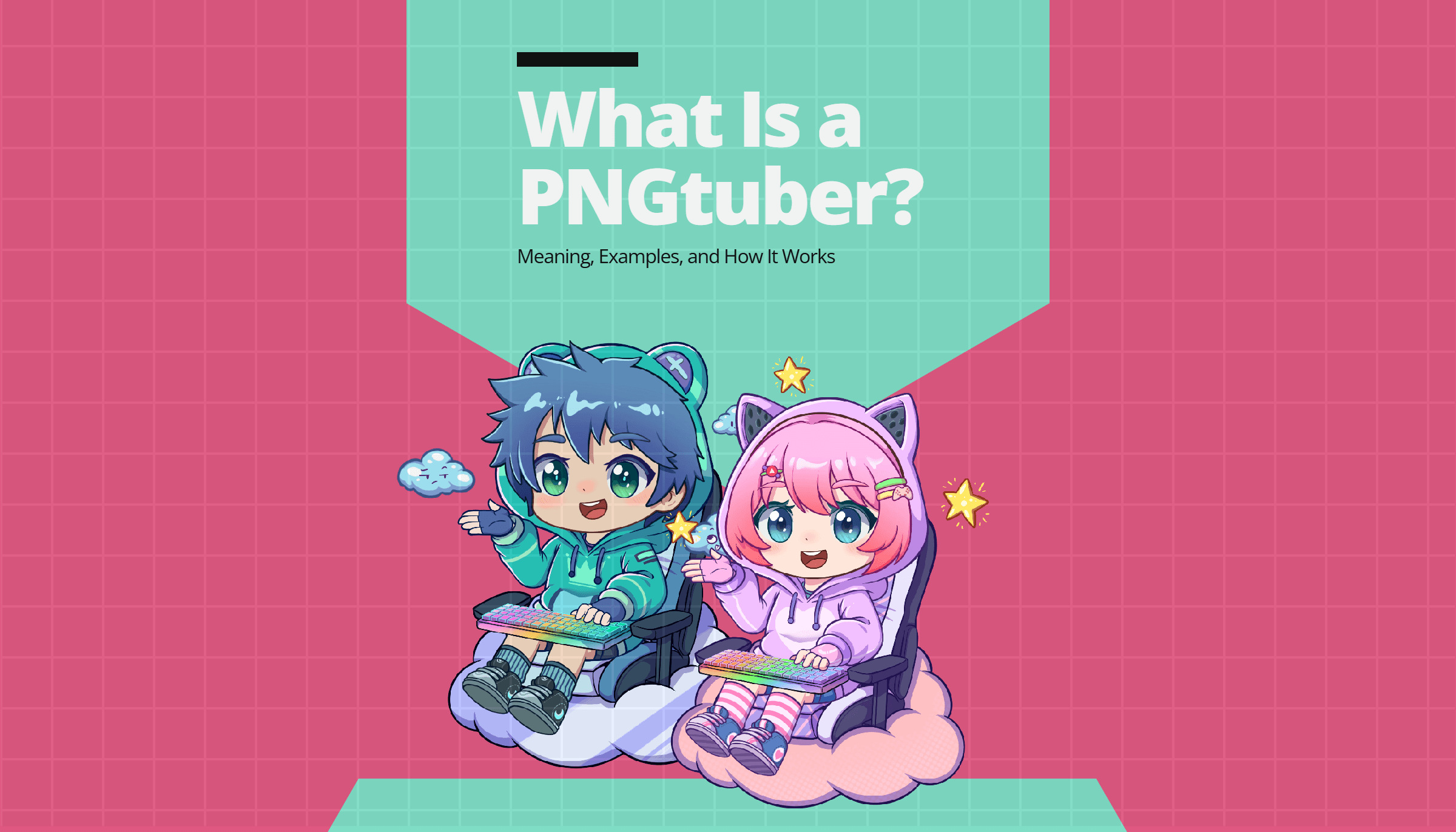
PNGtuber model example
PNGTuber
A PNGTuber uses static images (PNG files) that switch between states, usually when the creator speaks.
Example: mouth open when talking, mouth closed when silent.
Simplest setup
No face tracking required
Ideal for beginners
Often used with tools like PNGTuber Remix or similar apps.

Live2D VTuber
A Live2D VTuber uses a layered 2D illustration that moves smoothly based on face tracking.
Blinking, head tilt, mouth movement
More expressive than PNGTubers
Requires more setup and cost
Commonly used with VTube Studio.
Model & Art Terminology
Model
The model is your avatar itself. It can be a PNG image, a Live2D file, or a fully rigged character.
PSD
A PSD is a Photoshop file containing layers of your character (eyes, mouth, hair, body parts).
Live2D models usually start from a PSD.

Rigging process example
Rigging
Rigging is the process of making your character move.
For Live2D: linking layers to movement and expressions
For PNGTubers: defining when images switch or animate
No rigging = no movement.
Fully Rigged
A fully rigged model is ready to use immediately.
You don’t need extra setup beyond loading it into the software.
Rig-Ready
A rig-ready model has clean layers but is not animated yet.
You still need to rig it yourself or hire a rigger.
Software & Streaming Terms
Tracking
Tracking means detecting your face, head, or voice to control the avatar.
Webcam tracking (face movement)
Audio tracking (voice volume)
Live2D relies heavily on tracking. PNGTubers rely mostly on audio.
OBS
OBS Studio is streaming software used to broadcast your VTuber to platforms like Twitch or YouTube.
Your VTuber app runs separately and is captured inside OBS.
Scene
A scene in OBS is a layout.
Example: one scene for chatting, one for gaming, one for breaks.
Overlay
An overlay is a visual frame or design that sits on top of your stream, such as borders, chat boxes, or alerts.
VTuber Business & Usage Terms
License
A license defines how you’re allowed to use a model.
Always check if the model allows:
Streaming
Monetization
Commercial use
Editing or recoloring
Commercial Use
If you earn money from streams, ads, memberships, or donations, you need commercial rights.
Many beginners forget this step.
Pre-Made Model
A pre-made model is already designed and sold to multiple buyers.
Cheaper
Faster
Less unique
Good for beginners and testing.
Custom Model
A custom model is designed only for you.
More expensive
Unique identity
Better long-term branding
Common Beginner Questions (Simple Answers)
Q: Do I need Live2D to start VTubing?
A: No. PNGTubers are a valid and popular way to start.
Q: Is PNGTuber “worse” than Live2D?
A: No. Many creators intentionally use PNGTubers for style or simplicity.
Q: Can I upgrade later?
A: Yes. Many VTubers start as PNGTubers, then move to Live2D.
Beginner-Friendly Path Into VTubing
Start with a PNGTuber
Learn streaming basics (OBS, scenes, audio)
Grow content and consistency
Upgrade visuals when ready
This path reduces cost, stress, and setup complexity. Or you can also can get free asset here, we made it so easier to tried an asset before you committing to buy or created custom model.
Final Notes for New VTubers
VTubing is not about having the most advanced model. It’s about consistency, personality, and content. Tools and models are just supporting elements.
Understanding the jargon helps you make smarter decisions, avoid overspending, and communicate clearly with artists or studios.
If you’re new to VTubing, the terminology can feel overwhelming. Words like Live2D, rigging, PNGTuber, or tracking are often used without explanation. This guide breaks down the most common VTuber jargon in simple terms, so you can understand how everything fits together.
What Is a VTuber?
A VTuber (Virtual YouTuber) is a content creator who uses a digital avatar instead of showing their real face. The avatar moves and reacts in real time using webcam tracking, audio input, or simple animation logic.
VTubers stream or create content on platforms like YouTube, Twitch, or TikTok.
Core VTuber Avatar Types
PNGtuber model example
PNGTuber
A PNGTuber uses static images (PNG files) that switch between states, usually when the creator speaks.
Example: mouth open when talking, mouth closed when silent.
Simplest setup
No face tracking required
Ideal for beginners
Often used with tools like PNGTuber Remix or similar apps.
Live2D VTuber
A Live2D VTuber uses a layered 2D illustration that moves smoothly based on face tracking.
Blinking, head tilt, mouth movement
More expressive than PNGTubers
Requires more setup and cost
Commonly used with VTube Studio.
Model & Art Terminology
Model
The model is your avatar itself. It can be a PNG image, a Live2D file, or a fully rigged character.
PSD
A PSD is a Photoshop file containing layers of your character (eyes, mouth, hair, body parts).
Live2D models usually start from a PSD.
Rigging process example
Rigging
Rigging is the process of making your character move.
For Live2D: linking layers to movement and expressions
For PNGTubers: defining when images switch or animate
No rigging = no movement.
Fully Rigged
A fully rigged model is ready to use immediately.
You don’t need extra setup beyond loading it into the software.
Rig-Ready
A rig-ready model has clean layers but is not animated yet.
You still need to rig it yourself or hire a rigger.
Software & Streaming Terms
Tracking
Tracking means detecting your face, head, or voice to control the avatar.
Webcam tracking (face movement)
Audio tracking (voice volume)
Live2D relies heavily on tracking. PNGTubers rely mostly on audio.
OBS
OBS Studio is streaming software used to broadcast your VTuber to platforms like Twitch or YouTube.
Your VTuber app runs separately and is captured inside OBS.
Scene
A scene in OBS is a layout.
Example: one scene for chatting, one for gaming, one for breaks.
Overlay
An overlay is a visual frame or design that sits on top of your stream, such as borders, chat boxes, or alerts.
VTuber Business & Usage Terms
License
A license defines how you’re allowed to use a model.
Always check if the model allows:
Streaming
Monetization
Commercial use
Editing or recoloring
Commercial Use
If you earn money from streams, ads, memberships, or donations, you need commercial rights.
Many beginners forget this step.
Pre-Made Model
A pre-made model is already designed and sold to multiple buyers.
Cheaper
Faster
Less unique
Good for beginners and testing.
Custom Model
A custom model is designed only for you.
More expensive
Unique identity
Better long-term branding
Common Beginner Questions (Simple Answers)
Q: Do I need Live2D to start VTubing?
A: No. PNGTubers are a valid and popular way to start.
Q: Is PNGTuber “worse” than Live2D?
A: No. Many creators intentionally use PNGTubers for style or simplicity.
Q: Can I upgrade later?
A: Yes. Many VTubers start as PNGTubers, then move to Live2D.
Beginner-Friendly Path Into VTubing
Start with a PNGTuber
Learn streaming basics (OBS, scenes, audio)
Grow content and consistency
Upgrade visuals when ready
This path reduces cost, stress, and setup complexity. Or you can also can get free asset here, we made it so easier to tried an asset before you committing to buy or created custom model.
Final Notes for New VTubers
VTubing is not about having the most advanced model. It’s about consistency, personality, and content. Tools and models are just supporting elements.
Understanding the jargon helps you make smarter decisions, avoid overspending, and communicate clearly with artists or studios.

Hey there! We’re Kilisuci Artlabs, an illustration studio where imagination meets clean execution. We specialize in illustration and character design for VTubers, streamers, content creators, game devs, and anyone looking to level up their visual style.
Vtuber Model
Aries Project Vtuber is a zodiac-themed avatar package, starting with the fiery Aries sign. This adoptable character comes with a full stream-ready asset bundle: Live2D half-body avatar, stickers (static & animated), stream overlays, and more. It's the first of a potential 12-part Zodiac Vtuber Series perfect for creators seeking a complete and stylish identity.